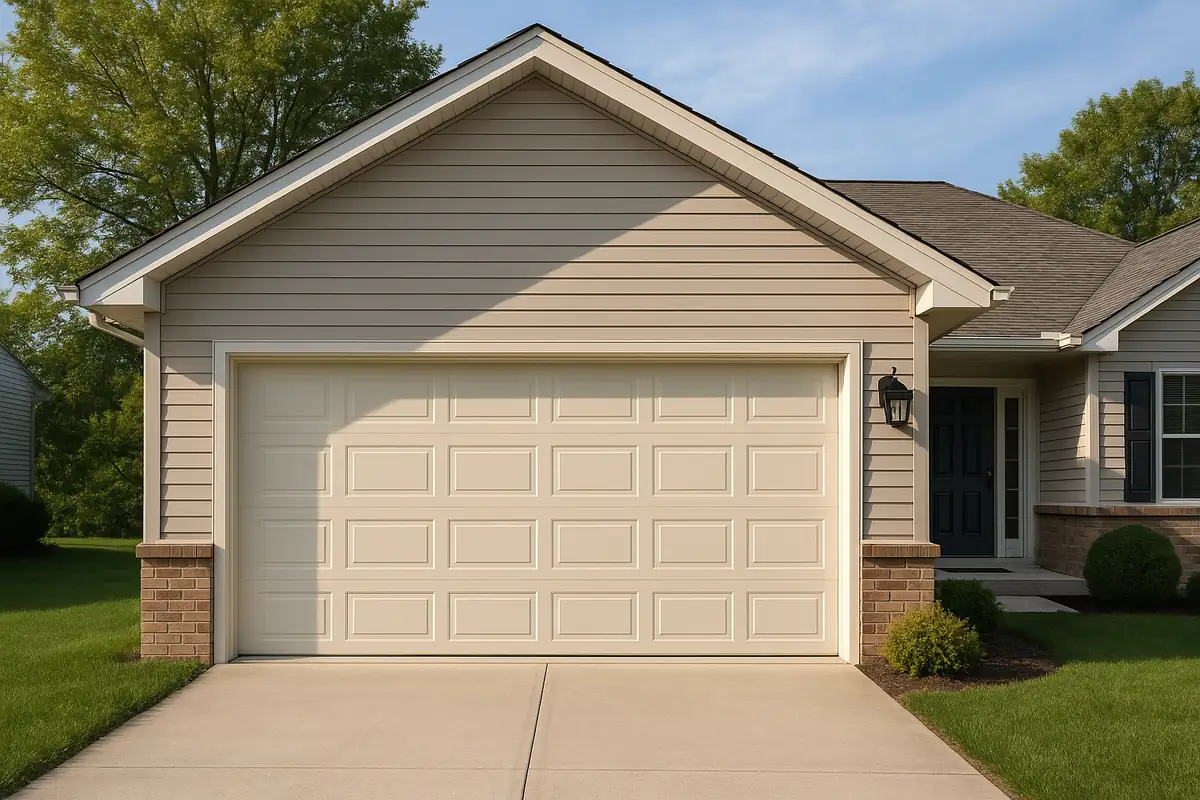
How to Program Your Garage Door Remote: A Complete Guide in Huntington Beach, CA

How to Program Your Garage Door Remote: A Complete Guide
Are you tired of struggling with your garage door remote? Programming it can sometimes feel like a mystery, but it doesn’t have to be! In this extensive guide brought to you by A Class Garage Door Repair in Huntington Beach, CA, we will walk you through the process step-by-step. Whether you’ve lost your remote or just bought a new one, our tips will have you in and out of your garage in no time!
Understanding Garage Door Remotes
Before diving into programming, it’s essential to understand what garage door remotes are and how they work. Garage door remotes use radio frequencies to send signals to the garage door opener, allowing you to open and close the door with ease.
Types of Garage Door Remotes
- Single-button remotes: These are simple devices with a single button that opens or closes the door.
- Multi-button remotes: These allow you to control multiple doors or features like lights.
- Smart remotes: Connected to apps on your smartphone, these offer more advanced features like remote operation from anywhere.
Why You Might Need to Program Your Garage Door Remote
There are several reasons you may need to program your garage door remote:
- Lost or stolen remote.
- Changing batteries, which may reset programming.
- Purchasing a new remote for added convenience.
- Changing or upgrading your garage door opener system.
Steps to Program Your Garage Door Remote
Let’s get down to business! Here are the detailed steps to program your garage door remote:
Step 1: Gather Your Tools
Before starting, ensure you have:
- Your garage door remote.
- Your garage door opener (check the brand and model).
- A ladder (if necessary).
- A friend to help (optional but recommended).
Step 2: Locate the Learn Button on Your Garage Door Opener
The Learn button is usually located on the back or side of the garage door opener motor. It’s often a brightly colored button. You might need to remove the light cover to see it.
Step 3: Clear Old Codes (if necessary)
If you’re programming a new remote, you may want to clear any old codes. Hold the Learn button until the light blinks, indicating that all codes have been erased.
Step 4: Program Your Remote
- Press and release the Learn button. The LED light will turn on.
- Within 30 seconds, press and hold the button on your remote.
- Release the button when the garage door opener lights blink, indicating successful programming.
Step 5: Test Your Remote
Once programmed, test your remote by pressing the button. Watch your garage door move up and down. If it does, congratulations!
Troubleshooting Common Issues
Sometimes, programming doesn’t go as planned. Here are some common issues and solutions:
- The remote isn’t working: Check the batteries. If they’re low, replace them and try again.
- The Learn button light won’t turn on: Make sure your garage door opener is plugged in and functioning properly.
- Multiple remotes are programmed: If you programmed too many remotes, clear them and try programming again.
Safety Tips for Garage Door Remote Programming
Safety should always come first. Remember these essential safety tips while programming your garage door remote:
- Keep the garage door closed while programming to prevent accidents.
- Ensure children and pets are away from the garage door area.
- Never bypass safety features, like photo eyes.
When to Call a Professional
If you’ve tried programming the remote and nothing seems to work, it might be time to call in the experts. A Class Garage Door Repair in Huntington Beach, CA, specializes in all garage door services, including remote programming, troubleshooting, and repairs. Here’s when you should consider calling us:
- You’ve lost multiple remotes.
- Your garage door opener is malfunctioning.
- You’re unsure about your remote or opener model.
Conclusion
Programming your garage door remote doesn’t have to be a daunting task. By following the steps outlined in this guide, you can easily manage it on your own. However, if you encounter any difficulties or simply prefer professional assistance, A Class Garage Door Repair is here for you in Huntington Beach, CA. Our team is ready to assist with any garage door needs—just give us a call!
Explore More Resources
Related Articles
Service Areas
We proudly serve Huntington Beach, Fountain Valley, Westminster, Costa Mesa, Newport Beach and more areas.
Our Services
Professional garage door repair, spring repair, opener installation and more. View all services →

Michael R.
View full profile
Garage Door Security: Protecting Your Home with A Class Garage Door Repair in Huntington Beach, CA

Garage Door Installation: What to Expect from A Class Garage Door Repair in Huntington Beach, CA