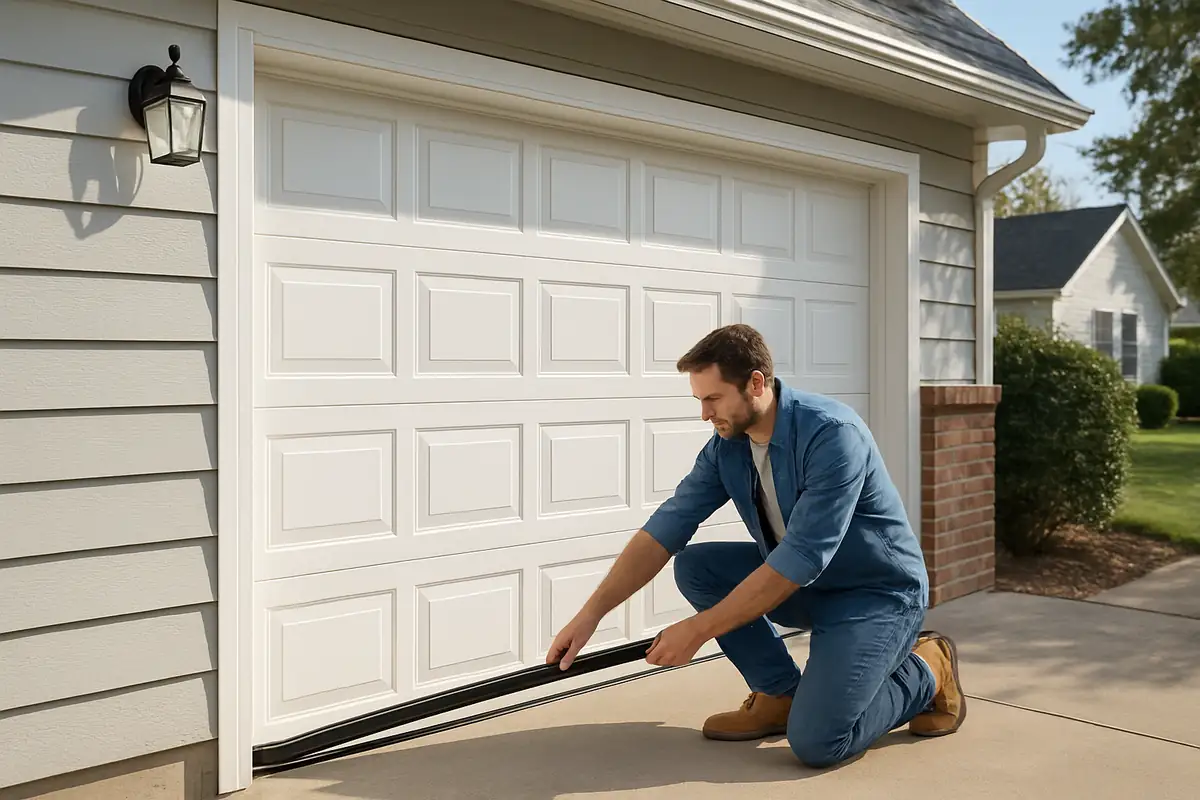
How to Program Your Garage Door Remote: A Complete Guide by A Class Garage Door Repair
Introduction
If you live in Huntington Beach, CA, a functioning garage door remote is essential for your convenience and security. Programming your garage door remote can seem daunting, but with the right guidance, it can be a straightforward task. In this guide, we at A Class Garage Door Repair will walk you through the steps to easily program your garage door remote, ensuring you can access your garage with ease.
Understanding Your Garage Door Remote
Before diving into programming, it's crucial to understand the components of your garage door system. Here’s what you need to know:
- Remote Control: This is the device you use to open and close your garage door from a distance.
- Garage Door Opener: The motorized device installed in your garage that operates the door.
- Control Panel: Located inside your garage, this panel allows manual control of your garage door.
Types of Garage Door Remotes
Garage door remotes come in different types, including:
- Single-Button Remotes: Control a single garage door.
- Multi-Button Remotes: Control multiple garage doors or gates.
- Smart Remotes: Use smartphone applications to control your garage door remotely.
Why Programming is Important
Programming your garage door remote ensures the following:
- Security: Proper programming can prevent unauthorized access to your garage.
- Convenience: Easily access your garage without needing a key or manual effort.
- Functionality: An unprogrammed remote won’t work, leaving your garage door unusable.
Steps to Program Your Garage Door Remote
Now, let’s get into the step-by-step process of programming your garage door remote.
Step 1: Gather Necessary Tools
To begin, ensure you have the following:
- Your garage door remote
- Your garage door opener manual (for specific codes)
- A ladder (if needed to access the garage door opener)
Step 2: Locate the Learn Button
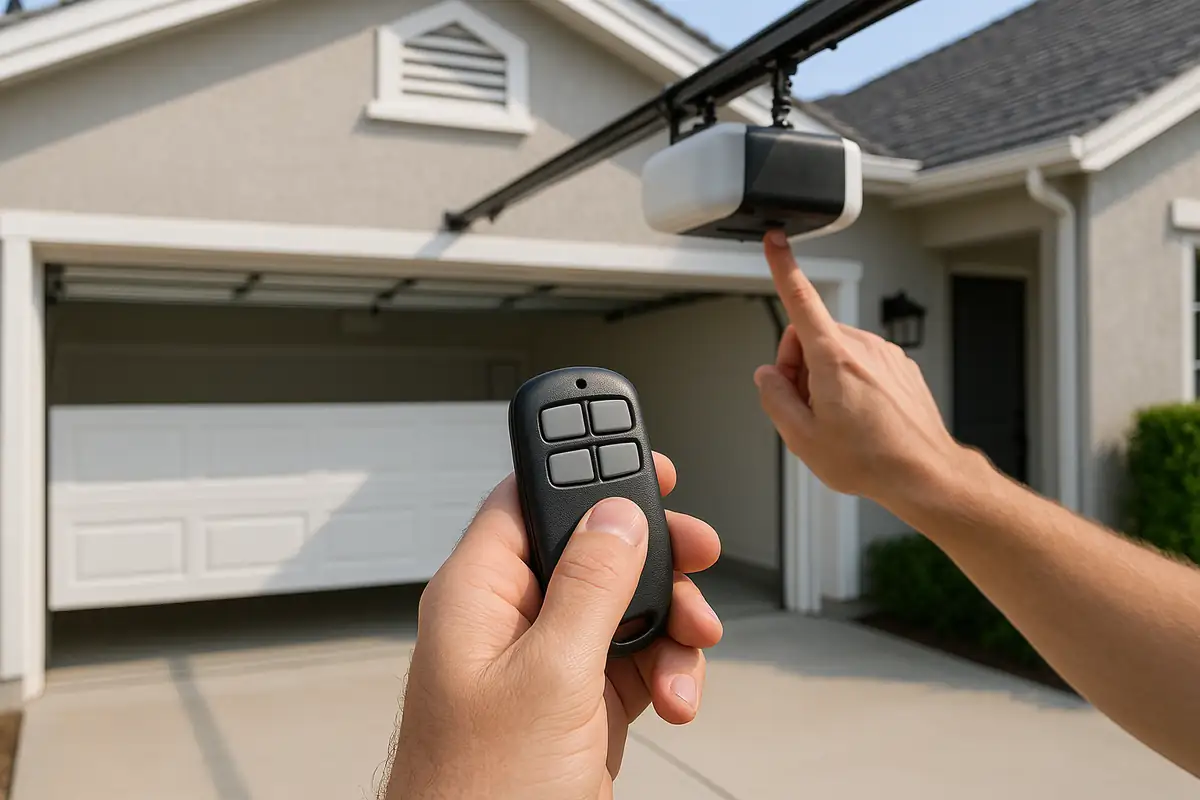
This button is typically on the back or side of your garage door opener. Look for a colored button (usually yellow, red, or green).
Step 3: Clear Previous Codes
To avoid interference:
- Press and hold the learn button until the light turns off (this usually takes about 6 seconds).
- This action will erase all previously programmed remotes.
Step 4: Program the Remote
Now it's time to program your new remote:
- Press and release the learn button on the garage door opener.
- Within 30 seconds, press and hold the button on your remote.
- Once the garage door opener lights blink and/or you hear two clicks, the programming is successful.
Step 5: Test the Remote
Stand a few feet away from the garage door and press the remote button. The door should open or close accordingly. If it does not work, repeat the programming steps.
Common Issues and Troubleshooting
If you’re having trouble programming your garage door remote, consider these tips:
- Check the Batteries: Ensure your remote has new batteries.
- Power Cycle the Opener: Unplug the garage door opener, wait for a few seconds, and plug it back in.
- Distance Matters: Make sure you're within range of the garage door opener when programming.
Additional Tips for Garage Door Maintenance
Programming your remote is just one aspect of maintaining your garage door system. Here are some valuable tips:
- Regularly check the functionality of your remote and batteries.
- Keep the garage door tracks clean and free from debris.
- Schedule routine maintenance checks with a professional like A Class Garage Door Repair to ensure your system is in top condition.
Conclusion
Programming your garage door remote is a simple yet essential task that enhances both convenience and security. Whether you're in Huntington Beach, CA, or anywhere else, following these straightforward steps can make all the difference. If you run into any issues or prefer to have a professional handle your garage door needs, don't hesitate to reach out to us at A Class Garage Door Repair. We're here to help you!
Contact Us today to schedule your garage door services or for any further assistance!
Explore More Resources
Related Articles
Service Areas
We proudly serve Huntington Beach, Fountain Valley, Westminster, Costa Mesa, Newport Beach and more areas.
Our Services
Professional garage door repair, spring repair, opener installation and more. View all services →

Robert J.
View full profile
Seasonal Garage Door Maintenance Checklist for Huntington Beach Homes
Weather-Proofing Your Garage Door: Essential Tips from A Class Garage Door Repair